
Creating a professional flyer used to require some graphic design skills or even hiring a professional designer. In 2026, that’s no longer the case. Online design platforms now make it possible to create, customize, and download high-quality flyers in minutes and with no skills or extensive knowledge required.
Whether you’re promoting an event, launching a sale, advertising a service, or building your brand, flyer makers offer templates, drag-and-drop tools, and downloadable print-ready files.
In this comparison, we’ll look at three popular flyer platforms:
- Design.com
- Crello (now VistaCreate)
- PhotoADKing
We’ll compare them based on templates, customization tools, file downloads, usability, and overall flexibility.
1. Design.com
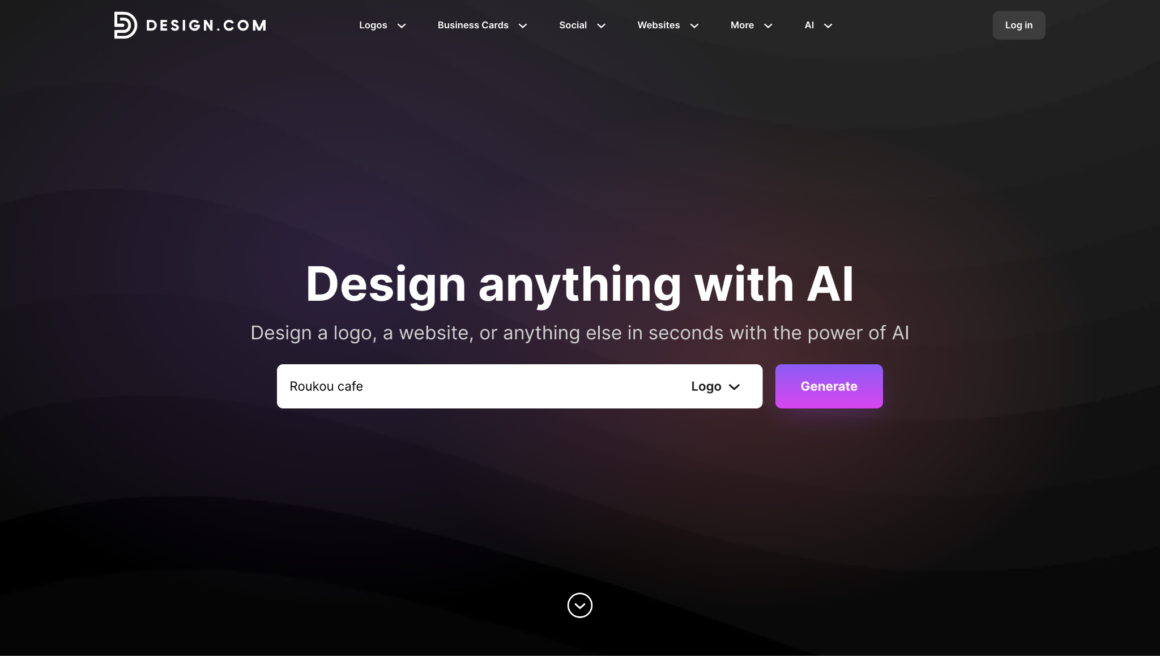
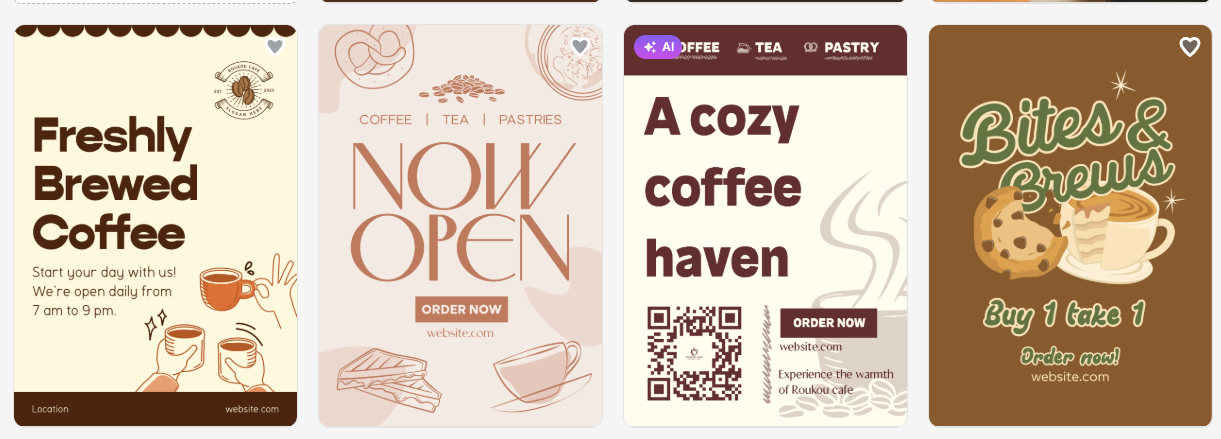
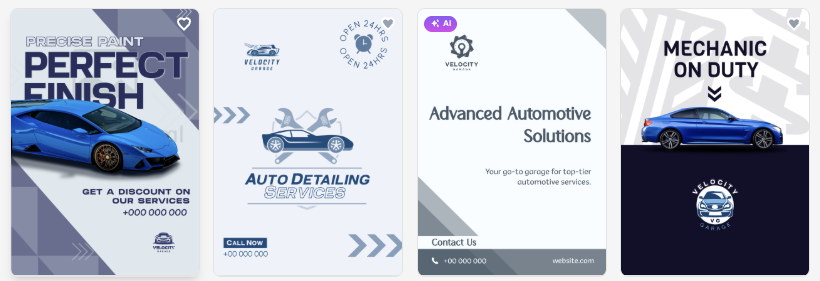
Design.com offers a tool that helps create flyers and focuses on things like speed, simplicity, and brand consistency. Users can start by entering their business name or a keyword, and the system will instantly generate related flyer templates, like in the screenshotS below.
Template Variety
Design.com provides thousands of flyer templates across industries such as:
- Food and cafes
- Fitness
- Handyman services
- Cleaning services
- Party planning
- Sales and promotions
- Wellness and business
Each flyer is professionally designed rather than built from basic stock layouts. In fact, the platform emphasizes handcrafted templates created by designers.
As shown before, users can search by keyword or industry and instantly browse relevant results.
Customization Tools
Customization is simple and beginner-friendly. Users can:
- Edit fonts, layouts, and colors
- Add gradient colors
- Insert shapes and curved text
- Upload their logo
- Adjust layouts freely
Unlimited edits are allowed while designing, so users can experiment without any restrictions.
The editing experience is built for non-designers, and most changes can be done in just a few clicks.
File Downloads
Once complete, users can download:
- High-resolution PNG and JPG files
- Vector files (SVG, EPS, PDF)
Vector formats are especially important for professional printing because they maintain quality at any size.
Instant download is available once the design is finalized.
Extra Features
Design.com also allows users to create matching:
- Social media posts and stories
- Letterheads
- Email signatures
- Branding materials
This makes it useful for businesses that want consistent branding across marketing assets.
They also have 24/7 support available for help with editing, downloads, or printing.
2. VistaCreate (Crello)
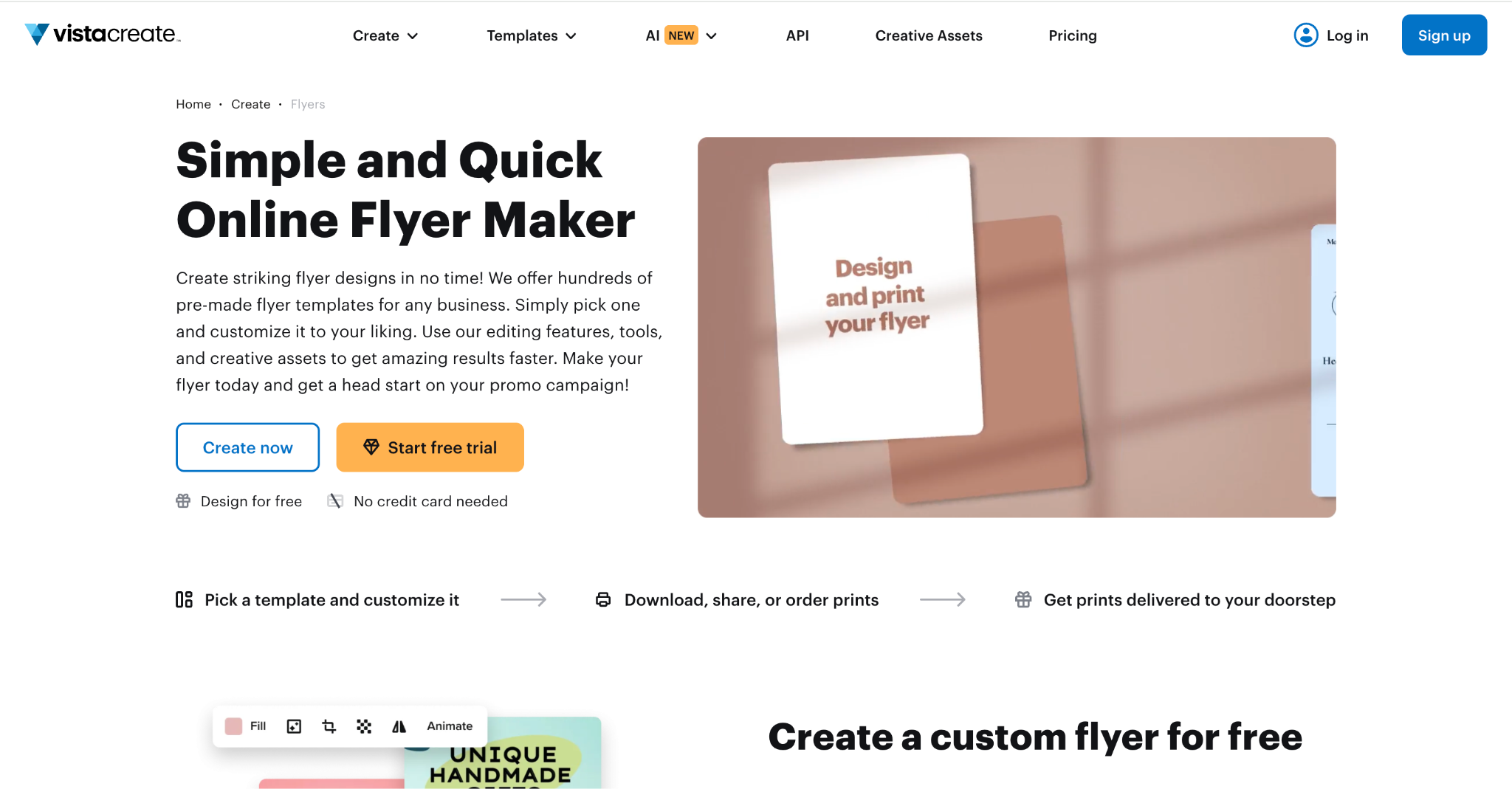
Crello was rebranded as VistaCreate after being acquired by Vista. It remains a popular online design tool for social media graphics, posters, and flyers. It is well known for offering a balance between creative flexibility and user-friendly editing tools.
Template Library
VistaCreate offers thousands of templates across marketing categories, including:
- Business flyers
- Event promotions
- Restaurant menus
- Real estate
- Seasonal campaigns
The template library includes both static and animated designs. While animations are not typically used for printed flyers, they are useful for digital marketing.
Editing Tools
VistaCreate uses a drag-and-drop editor. Users can:
- Add text blocks
- Insert stock photos
- Apply filters
- Adjust colors and transparency
- Use background remover (Pro feature)
The interface is slightly more advanced than some simpler flyer tools, offering more control over elements and layering.
It also includes built-in access to stock images and design elements.
File Export Options
Users can export designs as JPG, PNG, and PDF.
Higher-resolution downloads and certain export formats may require a paid subscription.
Strengths
VistaCreate works well for users who want more design flexibility and access to stock images within the platform. It is suitable for both digital and print marketing materials.
Because it supports animation and social content, it appeals to marketers creating multi-channel campaigns.
3. PhotoADKing
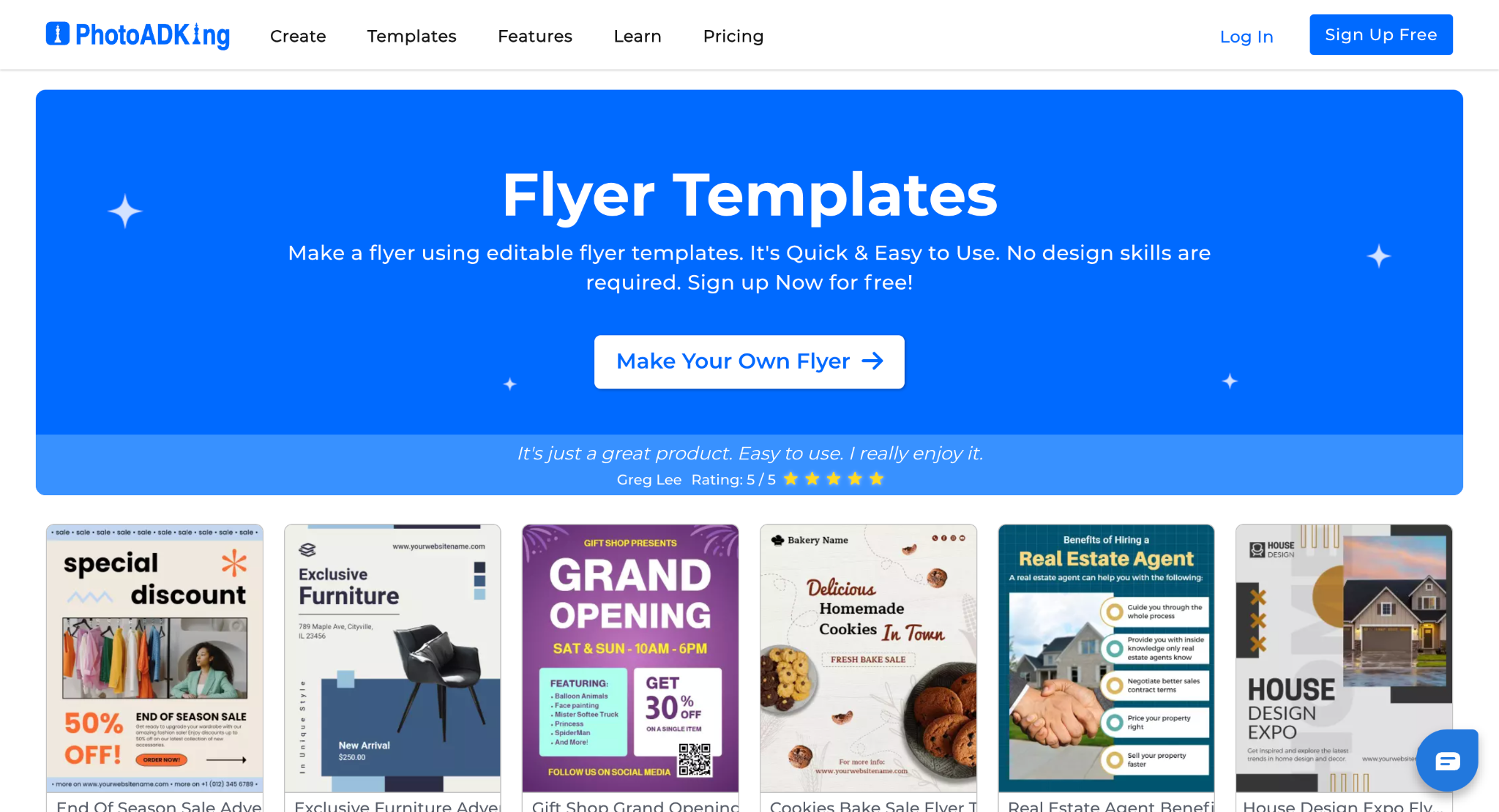
PhotoADKing is another online design tool that offers flyer templates along with posters, invitations, and social media graphics.
It focuses on simplicity and ready-to-edit templates.
Template Selection
PhotoADKing offers a large collection of flyer templates for:
- Business promotions
- Events
- Sales announcements
- Festivals
- Educational institutions
- Health and wellness
Templates are categorized clearly, making it easy to find designs by industry or occasion.
Customization Features
PhotoADKing uses a simple drag-and-drop interface. Users can:
- Edit text and fonts
- Change colors
- Add icons and shapes
- Insert images
- Adjust layout positioning
The editing tools are designed for quick adjustments rather than complex design layering.
It is beginner-friendly and requires minimal design experience.
Download Options
Flyers can be downloaded in JPG, PNG, and PDF.
Higher resolution downloads and certain features may require a paid plan.
Usability
PhotoADKing is straightforward and easy to navigate. It is especially useful for users who want quick edits and simple flyer creation without advanced design tools.
Side-by-Side Comparison
| Feature | Design.com | VistaCreate (formerly Crello) | PhotoADKing |
| Template Library | Thousands of professionally designed flyer templates across industries | Large template library including static and animated designs | Wide variety of flyer templates categorized by industry and occasion |
| Customization Tools | Edit fonts, colors, layouts, gradients, curved text, shapes; upload logo; unlimited edits | Drag-and-drop editor with layering, stock images, filters, and background remover (Pro) | Simple drag-and-drop editing; edit text, colors, add icons, images, shapes |
| Ease of Use | Very beginner-friendly and fast to start | Slightly more advanced; offers more design flexibility | Simple and straightforward; minimal learning curve |
| Download Formats | Very beginner-friendly and fast to start | JPG, PNG, PDF (higher resolution may require a paid plan) | JPG, PNG, PDF (higher resolution may require a paid plan) |
| Vector Files for Print | Yes (SVG, EPS) | No native SVG/EPS export | No native SVG/EPS export |
| Branding Extras | Matching social media designs, letterheads, and email signatures | Social media graphics, animated designs | Primarily flyer and marketing template-focused |
| Free to Start | Yes | Yes | Yes |
| Best For | Businesses wanting fast, professional, print-ready flyers with branding support | Marketers that need creative flexibility and multimedia options | Users wanting quick and simple flyer creation |
Conclusion
In 2026, flyer design no longer requires complex software. And with the right platform, businesses can create professional, print-ready marketing materials in just minutes.
All three platforms we discussed above allow users to design flyers without any professional design skills or experience. The differences come down to things like flexibility, file formats, branding features, and ease of use.