
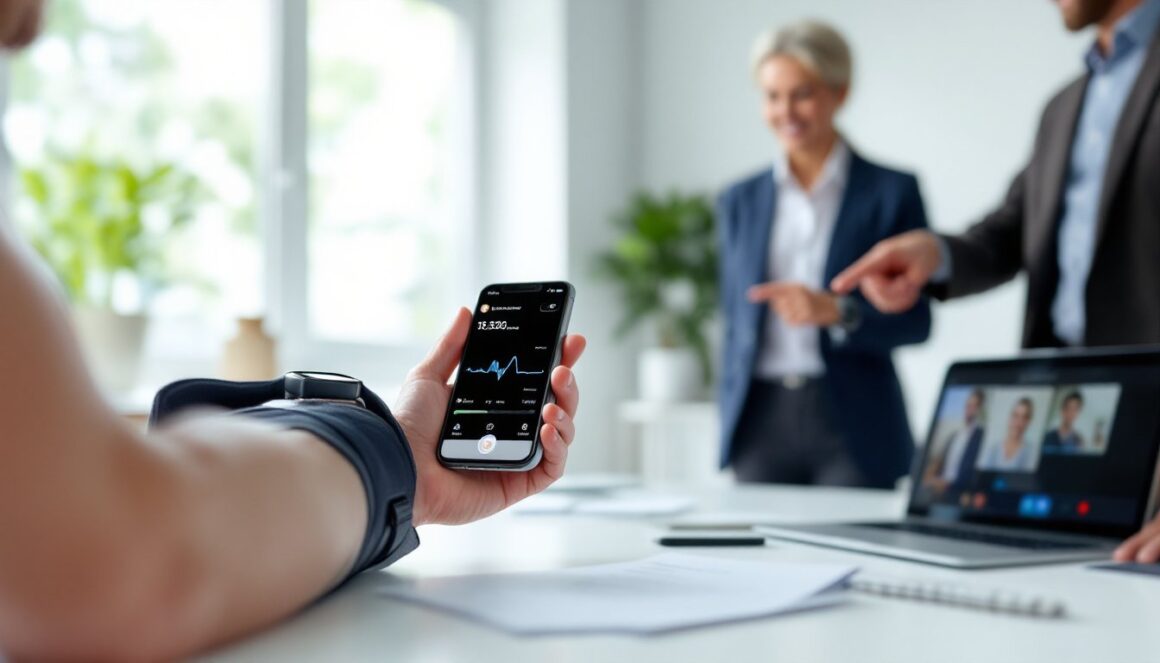
More people ask “kan man mäta blodtryck med mobilen”, can you measure blood pressure with your phone? Short answer: not reliably with the phone alone. Since 2020 a handful of medically validated apps and smartwatch integrations have narrowed the gap, but the most dependable measurements still come from a validated upper-arm cuff. This article explains how phone-based methods work, what’s been validated, step-by-step ways to use mobile tools safely, and when to always choose a cuff or a clinician.
Key Takeaways
- You cannot reliably measure blood pressure with your phone alone; validated upper-arm cuff monitors remain the gold standard for accurate readings.
- Medically approved apps like OptiBP and calibrated smartwatches can estimate blood pressure trends but should not replace cuff measurements for clinical decisions.
- Ensure you use a clinically validated cuff with the correct size and follow best practices for accurate home blood pressure monitoring.
- Phone-based blood pressure measurements rely on photoplethysmography but are affected by factors like lighting, movement, and skin tone, limiting their accuracy.
- Always use cuff-based monitors for diagnosis, treatment adjustments, pregnancy, or high-risk conditions, and treat mobile app readings as supplemental information.
- Regularly calibrate smartwatches with a validated cuff and verify any significant changes in readings with professional devices.
How Mobile Blood Pressure Measurement Works
Phone-based blood pressure measurement relies primarily on photoplethysmography (PPG), an optical technique that detects small changes in blood volume under the skin as pulses pass through the fingertip or face. A smartphone camera and flash can capture those light variations: algorithms then convert pulse waveform features into blood pressure estimates using models and sometimes prior calibration.
Accuracy, Validation, And Limitations Of Phone-Based Methods
-
How validated apps work: A few apps, notably OptiBP (a CE-marked Class IIa medical device app) and MEDDI BioScan, ask users to place a fingertip on the rear camera or point the camera at their face for roughly a minute. The app records PPG signals and applies machine-learning models to estimate systolic and diastolic pressure.[1][3]
-
Wearables: Smartwatches (for example the Samsung Galaxy Watch) use optical sensors to sense pulse waveform changes. Crucially, these devices must be calibrated against a cuff monitor first: after calibration they estimate changes versus the baseline rather than absolute values.[7][10]
-
What validation means: Clinical validation involves comparing app or device readings against a reference method (typically a mercury or validated oscillometric cuff) across many subjects and blood pressure levels. OptiBP has undergone such studies, and internal validation data exists for MEDDI, but independent, peer-reviewed validations are limited for many commercial apps.[1][3]
-
Key limitations:
-
Many free “finger BP checker” apps do not actually measure blood pressure and are explicitly labeled as non-medical. Treat them as toys, not clinical tools.[4][6][9]
-
Lighting, motion, skin tone, camera quality, and finger placement all affect PPG signal quality. Measurements must be still and repeatable to be of any use.
-
Algorithms often require calibration against an upper-arm cuff. Without calibration, absolute accuracy is poor, at best the app tracks relative changes.
-
Expert guidance: Clinical bodies and experts still recommend clinically validated upper-arm cuff monitors for diagnosis, treatment decisions, pregnancy, and other high-risk situations.[2][5][8]
Bottom line: phone-based PPG and smartwatch estimations can be useful for convenient trend detection and self-monitoring, but they do not yet replace cuff-based measurements for medical decisions.
How To Measure Blood Pressure With Your Phone — Practical Steps, Trusted Apps, And When To Use A Cuff
There are three practical approaches to use mobile tools for blood pressure: (1) use a validated cuff and log to an app (recommended), (2) use a medically approved camera-based app where available, and (3) use a smartwatch calibrated with a cuff. Each has clear steps and caveats.
- Best-practice (recommended): Use a validated upper-arm cuff and log results
- Why: Upper-arm cuff monitors remain the gold standard for home BP measurement and are what clinicians expect for diagnosis and medication decisions.[2][5][8]
- What to buy: Choose a clinically validated oscillometric upper-arm monitor with a cuff sized for your arm. Nominal sizes (e.g., 22–32 cm) differ from arm circumference, measure your mid-upper arm to pick the correct cuff.
- How to log to a phone: Many cuff monitors sync or let manual entry into apps like Apple Health or BP diary apps.
Practical steps to measure with a cuff (numbered):
- Sit quietly for 5 minutes with feet flat and back supported. Rest arm at heart level on a table.
- Use the correct cuff size: wrap it snugly on the bare upper arm. Incorrect cuff size produces large errors.
- Take two readings one minute apart: record both. For diagnostic assessment, measure twice daily (morning and evening) for 7 days and share averages with your clinician.[2][5]
- Log values in your phone: open Health app → Heart → Blood Pressure → Add a Measurement, or use the cuff’s companion app if available.[2][5]
- Using medically approved camera-based apps (where available)
- What to expect: Install a validated app such as OptiBP if it’s available in your country. These apps instruct you to place a fingertip on the camera or position the phone for a facial read and remain still for about a minute.[1][3]
- Practical steps:
- Sit relaxed, avoid talking or moving.
- Follow in-app positioning and lighting instructions closely.
- Treat readings as supplemental: use them for trend awareness, not to change meds or make urgent decisions without confirmation from a cuff or clinician.
- Limitations: App availability is region-dependent and apps may require periodic recalibration or updates to remain accurate.
- Using a smartwatch calibrated with a cuff
- Example workflow: Pair a Galaxy Watch with Samsung Health Monitor, then calibrate using a validated upper-arm cuff as directed. After calibration the watch can estimate BP changes during daily life.[7][10]
- Important: Watches typically track changes from the calibration baseline. Recalibrate periodically and verify readings with an upper-arm cuff, especially when values change significantly.
When to use a cuff instead of phone-based tools
Use a cuff-based, clinically validated monitor for:
- Diagnosis of hypertension or any treatment decisions.[2][5][8]
- Pregnancy, cardiovascular disease, kidney disease, or other high-risk conditions.
- Any time readings will guide medication changes or urgent clinical actions.
Phone-based apps and smartwatches are handy for quick checks and trend tracking but should complement, not replace, validated cuff measurements for clinical care.[4][6][7][8][9]
Conclusion
Answering “kan man mäta blodtryck med mobilen”: in 2026 you can get estimates and trend data from some medically validated apps and calibrated smartwatches, but you cannot reliably replace a validated upper-arm cuff with a phone alone. For diagnosis, medication changes, pregnancy, or high-risk patients, use a clinically validated cuff and share readings with a clinician. Use phone-based tools as supplemental trend trackers, and always verify unexpected results with a proper cuff.