
Whether your team spans two cities or five continents, these are the tools you need to manage projects, communication, and output without the chaos.
No one builds a remote team expecting communication to become harder. Or for projects to slow down because people can’t find the necessary information. But without the right tools in place, chaos is pretty much the default setting.
77% of remote employees say they’re more productive working offsite. Meanwhile, 85% of leaders still struggle to feel confident that those same employees are getting things done. That’s a visibility problem. That visibility gap is where monitoring software for remote teams from WorkTime can help, providing managers with non-invasive insights into activity and productivity patterns. And in a distributed team, visibility comes down to the tools sitting between your people and the work.
That’s why successful distributed teams don’t rely on more meetings or longer status updates. They rely on tools that create clarity around communication, collaboration, priorities, and ownership.
This article briefly looks at four tools that make that possible and what they do for remote and distributed teams.
Asana: Project Management That Makes Work Visible
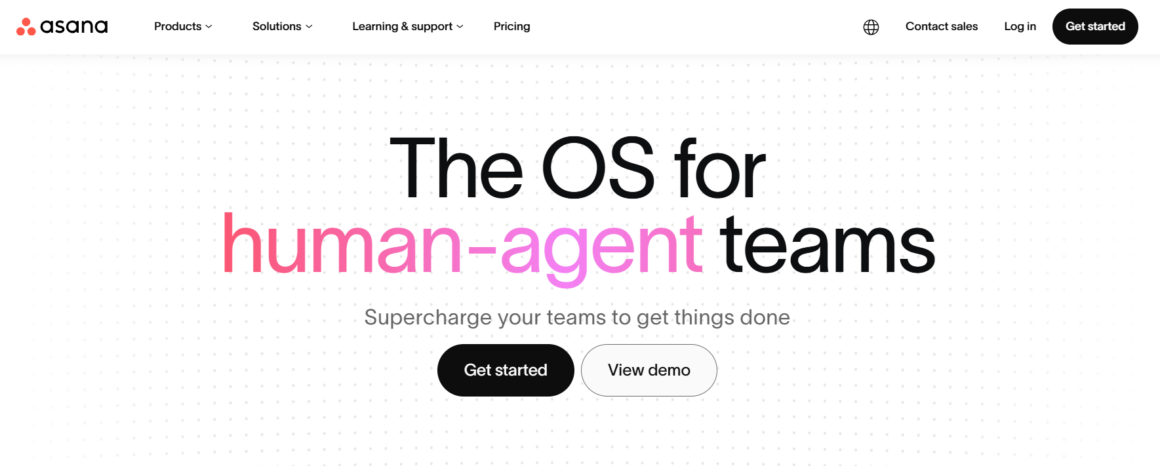
Most remote work breaks when no one can see the work clearly enough. Asana fixes that by turning scattered tasks into a shared system of record. Instead of work living in chat threads or private notes, it becomes structured, assigned, and trackable.
Every team member can see what exists, who owns it, and what the next steps are without asking anyone for updates. Asana essentially makes work progress visible by default.
The downside is setup fatigue. If teams over-engineer it, people stop using it. The most effective setups are usually the simplest ones that people update every day.
In more complex distributed workflows, especially teams running global data operations or monitoring external systems, Asana often sits alongside the top-rated ISP proxies, which help ensure stable, high-speed access to the data sources those workflows depend on.
Key Features
- Task assignment with clear ownership
- Project timelines and workload views
- Due dates, dependencies, and prioritization tools
- Cross-team project visibility
- Automation for recurring workflows
Slack: Communication That Keeps Work Moving Without Losing Context
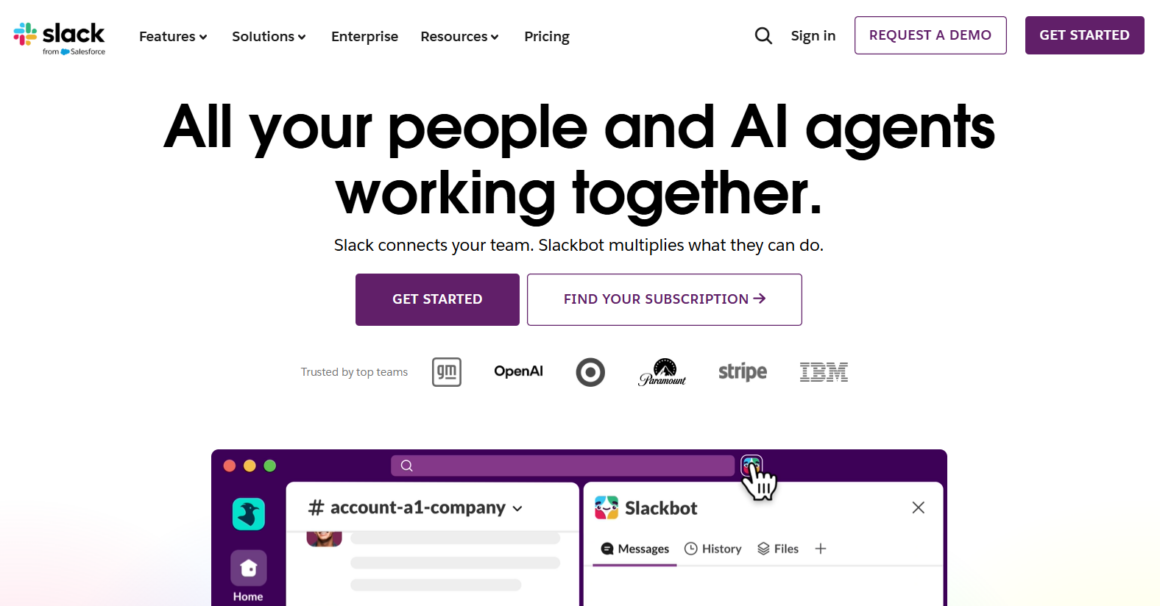
When you move your team out of a shared physical office, you need a digital building. Slack fills that need. It gives your people a single place to talk and share updates.
When set up thoughtfully, Slack becomes the central nervous system for remote and distributed teams. Threaded conversations, in particular, are the feature that separates Slack from the chaos of email.
Instead of twenty reply-all messages clogging everyone’s inbox, each topic gets its own lane. Someone can jump into a thread from three days ago, catch up in thirty seconds, and contribute without derailing the current conversation.
That said, most Slack workspaces have forty channels and only six that matter. For the best results, archive and delete channels when necessary. A clean Slack instance preserves context while a messy one buries it.
Key Features
- Channel-based communication for teams and projects
- Threaded conversations that preserve context
- Powerful search across messages and files
- Integrations with tools like Google Drive, Asana, and Zoom
- Async-friendly communication across time zones
Google Workspace: File Sharing and Knowledge Systems
Remote teams lose more time searching for information than they realize. Google Workspace solves that by turning files into shared, living documents. Docs, Sheets, Slides, and Drive allow multiple people to work in the same place at the same time, without version confusion.
You share a link, not an attachment, and collaborate in real time instead of emailing version_7_final_FINAL.docx back and forth. Permission controls also matter here. You decide who can view, edit, or comment, which keeps information accessible without making it messy.
Some teams extend this with tools like Notion, but Google Workspace remains the baseline because it fits into how most teams already operate. If Slack is where work is discussed, Google Workspace is where it stays.
Key Features
- Real-time collaboration in Docs, Sheets, and Slides
- Centralized cloud storage via Drive
- Version history and rollback
- Granular access and permission controls
- Seamless collaboration across devices
Zoom: Real-Time Alignment When Text Isn’t Enough
There’s always a point in remote and distributed work where typing stops being efficient. Some discussions move too fast or too subtly for chat, which is where Zoom sits. It brings back real-time alignment without having people gather in a physical office.
Most teams already know what Zoom does. The more interesting part is what it prevents. Misinterpretation for one. Decisions that stretch across days of back-and-forth messaging for another.
Zoom works best when used for situations where tone, timing, or nuance matters (quick alignment calls, stakeholder reviews, etc.). One mistake many teams make is overusing it.
When Zoom meetings become the default response to uncertainty, chances are, it stops helping and starts draining time. In well-run distributed teams, Zoom is a tool reserved for times when async tools can’t carry the weight of the conversation.
Key Features
- HD video and audio meetings
- Screen sharing for walkthroughs and reviews
- Breakout rooms for smaller group discussions
- Recording and playback for missed meetings
- Webinar and large-scale meeting support
Key Takeaways
Distance has a way of exposing every weak process in remote and distributed teams. From Slack for day-to-day communication to Asana for tracking progress, each tool removes the friction that makes remote work feel harder than it should.
The stack you pick today will probably look different in two years, but the categories won’t change. Focus on covering those categories with simple tools your team will actually use, and don’t let the stack become the job. The work is what matters. Everything else is just scaffolding.