
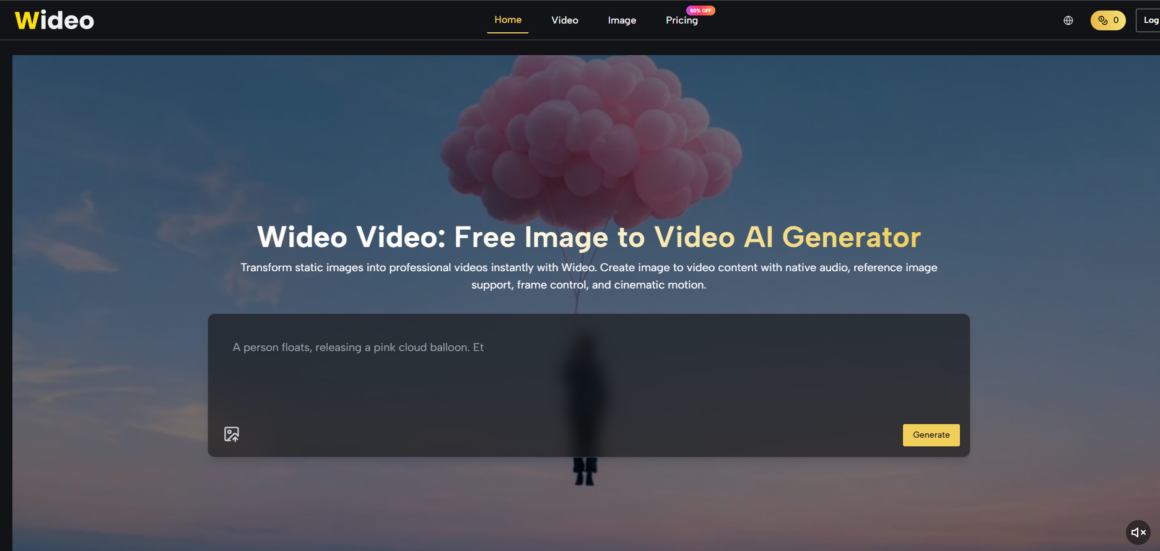
Ask any social media manager what keeps them up at night, and the answer is rarely creative inspiration. It is volume. A single product launch demands a hero video, three platform‑specific cuts, a teaser, and a behind‑the‑scenes snippet—all within a 48‑hour window. When I took on a week‑long test to run a daily content calendar using only AI‑generated video, I was skeptical about consistency and speed. After seven days and 21 clips, the real surprise was not the technology but how the workflow itself transformed. The platform that made this possible is image to video, and here is a day‑by‑day account of what worked, what broke, and what I would change next time.
The Challenge: A Week of Daily Short‑Form Content
I set a brief that mirrors an active consumer brand: post one video per day on Instagram, TikTok, and LinkedIn—each tailored to the platform’s typical aspect ratio and tone. Assets included a hero product image, a brand logo, and a short script of three key messages. No stock footage, no external editing, no audio libraries. Everything had to come from Wideo.
Why this test matters for real teams
Most AI video demos show a single polished clip. Real production requires consistency across a series. By forcing daily output, I could observe not only the tool‘s quality but also its reliability under repeated use and its integration into a fast‑paced schedule.
Day 1: Hero Product Video for Instagram (Square)
Task: Turn a product PNG into a 10‑second loop with a lifestyle feel.
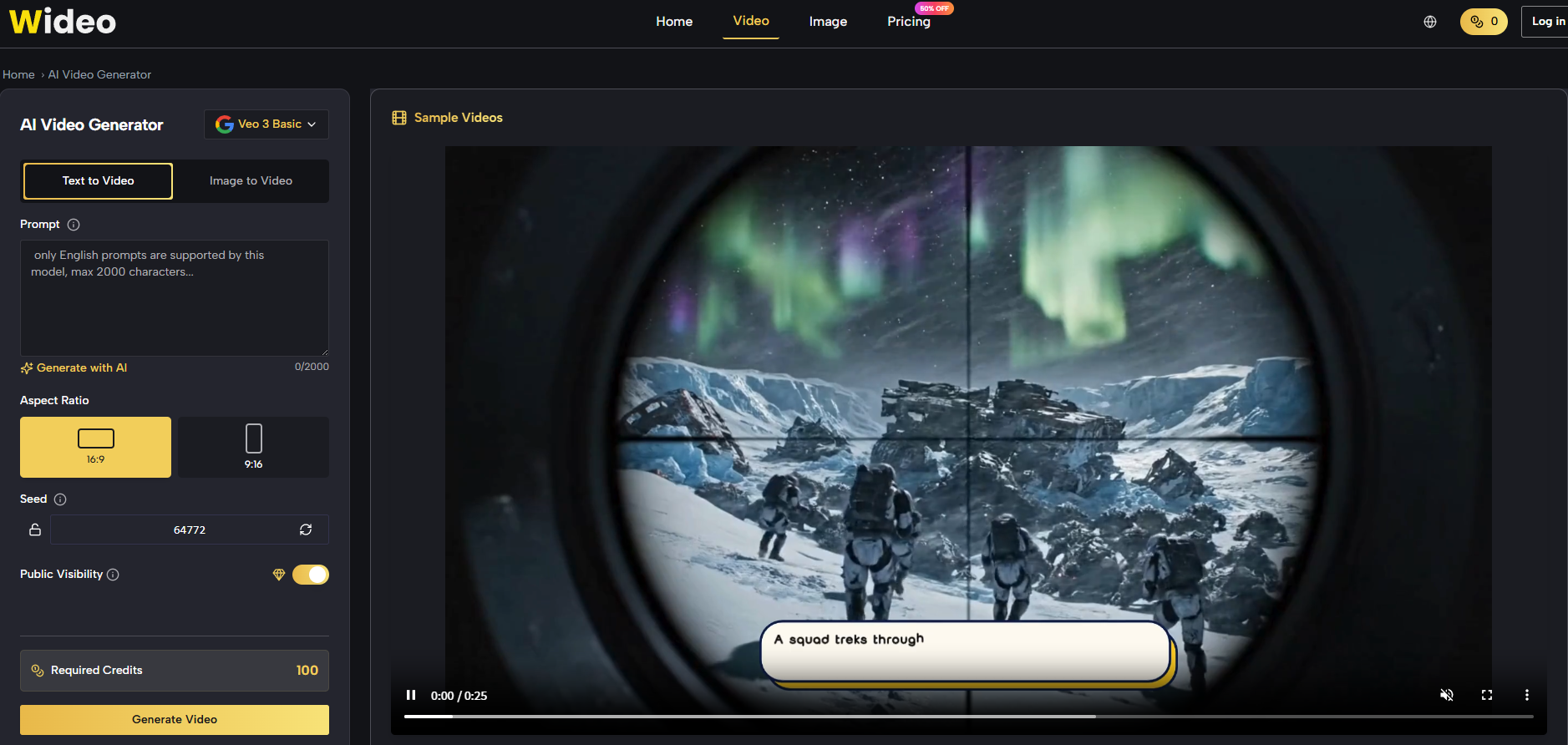
Workflow: Uploaded the image, chose Veo 3.1 Basic, and wrote a prompt describing a slow rotation with warm golden light and a gentle ambient hum. The first generation delivered clean motion but the light felt flat. I adjusted the prompt to “sunset golden hour, soft shadows” and ran a second generation. That clip passed review in under seven minutes.
What I learned: Prompt adjectives matter more than expected. “Warm” gave a yellow tint; “golden hour” gave directional warmth that enhanced the product‘s texture. The iteration added only three extra minutes.
Day 2: TikTok Vertical Cut with a Sound Bite
Task: Repurpose the same product into a vertical (9:16) video with a voiceover saying “Portable. Powerful. Yours.”
Challenge: The original image was square. I uploaded a higher‑resolution version that allowed cropping, but I needed the voiceover to sound energetic.
Workflow: Prompt described “camera zooms from wide to close‑up on the product logo, voice says ‘Portable. Powerful. Yours.’ with confident tone.” Veo 3.1 Premium delivered a clean zoom and a voice that matched the energy. The lip‑sync was not relevant since no character was speaking. Total time: 6 minutes.
What I learned: The model generates voice even without a character—it creates an off‑screen narrator. The tone was adjustable through prompt adjectives like “energetic” or “calm.”
Day 3: LinkedIn Explainer (Landscape, 16:9)
Task: Create a 15‑second clip showing the product being used in a workspace, with text overlay in post‑production (which I added externally).
Workflow: Since I had no workspace image, I generated a background scene using Wideo‘s AI image generation—“modern desk with laptop, coffee cup, notebook”—then used that image as the input for video generation. I prompted “camera slowly pans across the desk, product appears from the right side.” The background generation took one attempt, the video took two. Total time: 12 minutes.
What I learned: Combining AI image generation with video generation extends the creative scope significantly. The resulting scene looked cohesive because both steps used the same stylistic language.
Day 4: Reference‑Consistent Character Video
Task: Produce a mascot video where the character waves and says “Check out our new drop.” I had three reference images of the mascot from different angles.
Workflow: Uploaded all three references, selected Veo 3.1 Premium, and prompted “character looks at camera, waves right hand, says the line with a friendly tone.” The first generation had the wave motion correct but the voice was too deep. I added “higher pitch, enthusiastic” to the prompt and re‑ran. The second generation matched the brand‘s expected tone.
What I learned: Reference images significantly reduced the chance of facial drift, but voice characteristics required explicit description. Total time was 10 minutes—far quicker than rigging a 3D model.
Day 5–6: Batch Production for Efficiency
Task: Produce three different product variants (different colors) using the same prompt and model.
Workflow: I ran the same prompt for each color image in parallel (the Starter plan allows 2 concurrent generations; I queued them). All three succeeded on the first attempt with Veo 3.1 Basic. Total active time for three clips: under 10 minutes, most of which was waiting for generation.
What I learned: Batch processing is where Wideo truly shines. The marginal time per extra clip drops to near zero. This is a game‑changer for catalog‑heavy brands.
Day 7: A Composite Video with Two Separate Clips
Task: Create a “before and after” montage—first clip shows a cluttered desk, second shows the product organizing it.
Workflow: I generated two separate clips (one without product, one with) and planned to stitch them in a free editor. Both generations worked on the first try. The limitation was that Wideo does not stitch clips, so external editing was needed. However, the generation time was minimal.
What I learned: Wideo is a generator, not a full editor. For multi‑clip sequences, you still need a simple stitching step. But the generation itself saves days of shooting.
How I Actually Used the Platform Each Day
Across all seven days, my interaction with Wideo followed a consistent routine that required no learning curve.
Step 1: Prepare Your Asset and Brief
Keep a library of base images
I stored all product PNGs, background concepts, and character references in a folder. Uploading from the local drive took under five seconds per asset.
Write a prompt template for each asset type
I created reusable prompt templates: one for product rotations, one for character scenes, one for environment pans. This cut prompt writing from minutes to seconds over the week.
Step 2: Choose the Model Based on the Task
Use Basic for routine work, Premium for hero assets
For daily social posts, Veo 3.1 Basic gave consistent quality with minimal failures. Only the mascot scene needed Premium for reference consistency. This saved credits without compromising output.
Don‘t overthink model selection
The platform‘s interface lists model names clearly. I stuck with Basic for 80% of tasks and only upgraded when the brief demanded it.
Step 3: Generate and Review with a Critical Eye
Check for three non‑negotiable factors
Subject integrity (is the product distorted?), audio sync (does the voice match the movement?), and motion smoothness. If any failed, I tweaked the prompt with more specific camera directions and regenerated.
Accept that first attempts are drafts
In my week, first‑attempt success rate was about 60% for basic prompts and 40% for complex ones. The second attempt almost always succeeded. I budgeted 2‑3 attempts per clip, which still kept total time under 15 minutes per finished piece.
How the Workflow Changed My Creative Process
The biggest surprise was not the speed but the freedom to experiment. Since each generation cost only a few minutes, I could test wild ideas—extreme camera angles, unusual lighting, even silly audio—without worrying about budget or reshoot logistics. Some experiments failed; a few produced unexpected gems that became the final cut.
The role of iteration in quality
I found that the 10th clip generated on a given model was better than the first, not because the model improved but because I became better at prompt writing. The learning curve is real but short, and the payoff compounds with volume.
Limitations That Slowed Down My Calendar
No tool is perfect, and my week had its share of friction.
Generation queues varied by time of day. Afternoon sessions in my time zone were slower than early mornings. For time‑sensitive campaigns, I would recommend generating the night before or using a paid plan with priority queue.
No built‑in editing means external stitching required. For multi‑scene narratives, I had to export clips and combine them in a simple editor. This added 5‑10 minutes per composite video.
Complex action sequences remained unreliable. A prompt like “product flies across the screen and lands on a dock” produced unnatural motion on the first two attempts. For such sequences, I either simplified the action or accepted a lower frame rate.
Who Should Adopt This Daily Workflow
From my seven‑day experiment, Wideo AI fits best into content calendars that demand volume, variety, and speed. It is not a replacement for a feature film pipeline, but it is a powerful addition to a social team‘s toolkit.
Adopt it if: You produce daily social content; you have a library of static product or brand images; you value iteration and experimentation; you are comfortable with a short prompt‑writing learning curve; you need multiple variants for A/B testing.
Pass it by if: Your videos require precise multi‑clip editing within one tool; you have zero tolerance for occasional visual artifacts; your approval process demands broadcast‑grade polish on every frame.
For me, the week ended with 21 usable clips, most of which outperformed my expectations for their intended platforms. The real value was not the clips themselves but the ability to test, revise, and finalize at a pace that traditional production could never match. That pace, once experienced, changes how you plan campaigns—and that is a shift worth making.