

Creating professional and attention-grabbing flyers is now easier than ever. Whether you’re promoting an event, a small business, or a local initiative, you need a platform that can produce print-ready designs quickly and effectively. In 2026, several platforms excel in quality, ease of use, and template variety.
Top Flyer Platforms Overview
The platforms below offer professional templates, AI tools, and print-ready formats to make flyer creation fast and easy. Some focus on AI-powered customization, while others prioritize ease of use and printing convenience.
Whether you need high-quality, fully branded flyers or quick, simple designs for events, this guide highlights the platforms that deliver them all. By comparing features, tools, and print-ready outputs, you can choose the best option for your business or personal needs.
- Design.com: The Best Flyer Solution
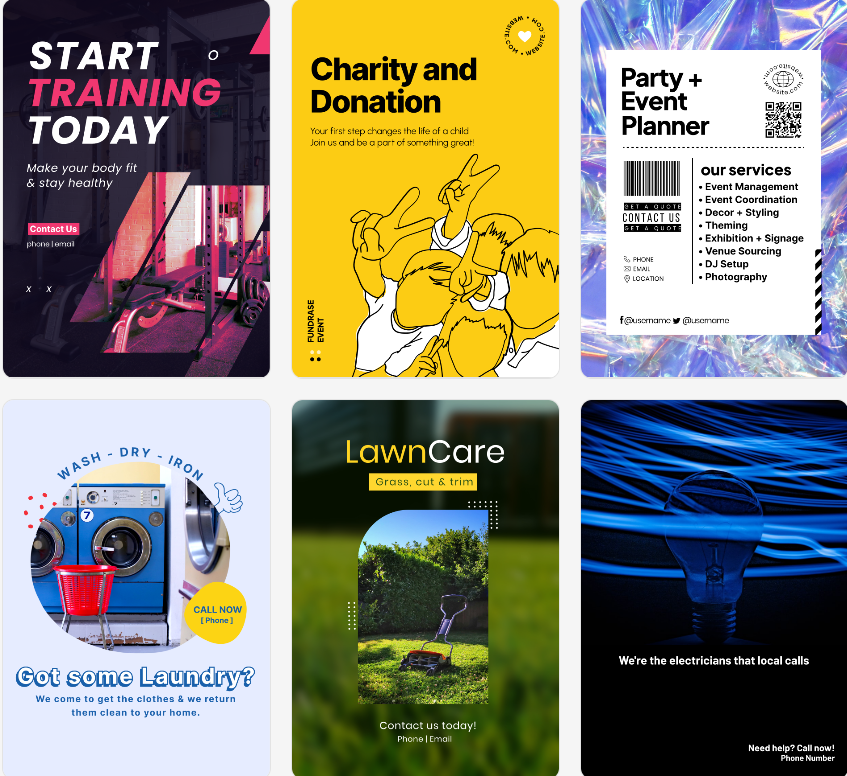
Design.com is a leader in digital and print design. It is the top logo and design platform in the world, and also excels at creating print-ready flyers. Its strength lies in a huge library of templates and AI tools that enable fast, intuitive, and flexible flyer creation.
Pros
- AI flyer generator: Quickly create flyers with custom layouts, icons, and fonts.
- AI design editor: A chat-based AI interface to change designs with a few simple words.
- Extensive template library: Over 1 million design templates and hundreds of thousands of flyer layouts.
- Professional fonts & icons: Access to more than 750 fonts, including over 525 exclusive options, and 62,000 vector shapes.
- Customizable design: Edit text, colors, layouts, and icons with AI support.
- Print-ready formats: Export in PDF, PNG, or JPG with bleed and crop marks for professional printing.
- Commercially safe designs: All designs are checked for quality and originality.
- Integrated system: Flyers automatically match branding across social media posts, posters, and business cards.
- Free and premium options: Download a limited selection of flyers for free; a premium subscription unlocks the full library and AI tools.
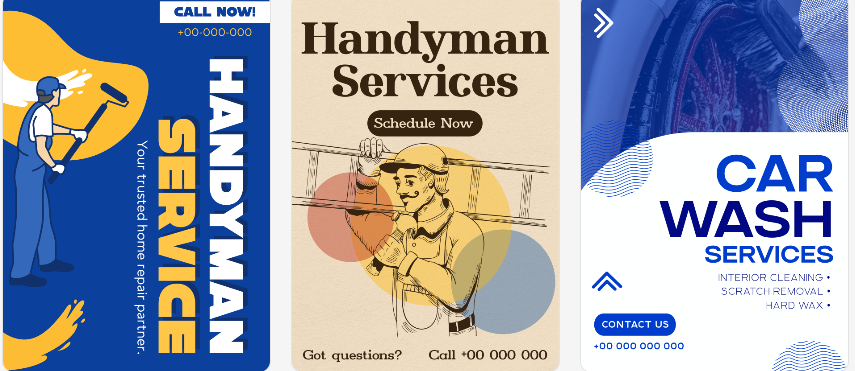
Why Choose Design.com
- Design.com is more than just a flyer maker; it’s a complete branding center that ensures consistency in all print and digital marketing materials.
- Its blend of AI-driven customization, print-ready outputs, and safe commercial designs makes it the preferred platform for businesses and creative individuals.
- BrandCrowd
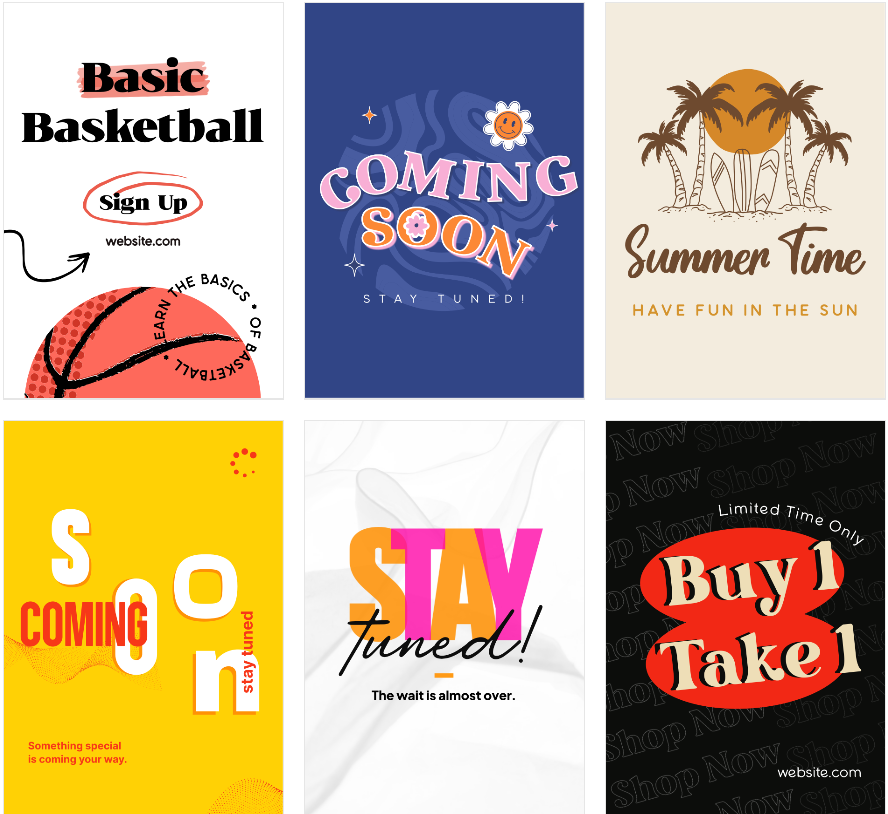
BrandCrowd is another popular platform for making flyers, especially for those who want quick, professional results. It features a vast library of logos and templates that includes materials like flyers and posters.
Pros
- AI tools: Flyer and logo generator, business name generator, background remover.
- Template library: Over 1 million design templates, including more than 380,000 logo templates.
- Industry versatility: Hundreds of thousands of templates suitable for any industry.
- Fonts and shapes: More than 750 fonts, over 525 exclusive fonts, and 62,000 vector shapes.
- Custom editing: Edit icons, text, and layouts using AI and a chat interface.
- File formats: Export in SVG, EPS, PDF, PNG, JPG, and GIF; includes icon-only and transparent options.
- Extended licenses: Option to remove templates from the public library for exclusive use.
- Printing and merchandise: Print flyers or logos on business cards, apparel, mugs, and mousepads; free delivery.
- Free and premium options: Limited free downloads; premium unlocks all 50 design tools.
BrandCrowd is perfect for small businesses or event organizers looking for ready-made flyer designs with minimal effort. Its user-friendly interface makes creating a print-ready flyer an easy process.
- Canva
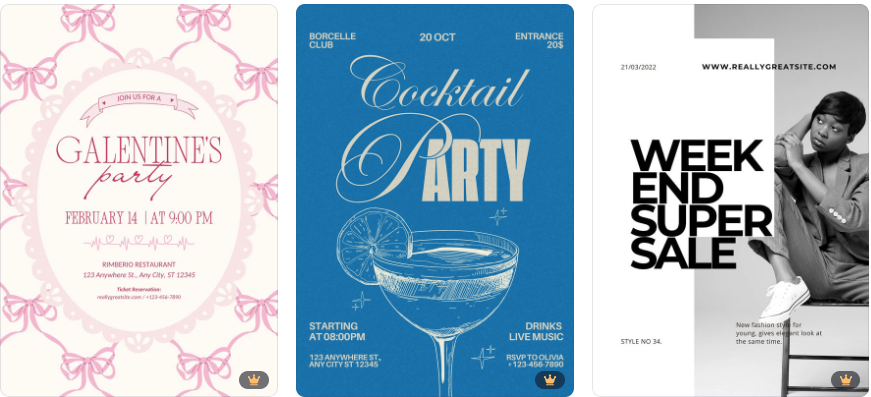
Canva is a well-known name in the design world. It’s widely used for social media graphics, presentations, and print-ready materials, including flyers.
Pros
- Template library: Thousands of flyer templates for various events or business needs.
- Custom editing: Drag-and-drop editor, great for beginners.
- Print-ready downloads: Support print-ready PDFs with crop marks.
- Collaboration: Collaborative tools for team editing.
Canva’s main advantage is its simplicity and accessibility. Users with no prior design experience can quickly create polished flyers. However, some advanced design customizations are limited compared to Design.com.
- Vistaprint
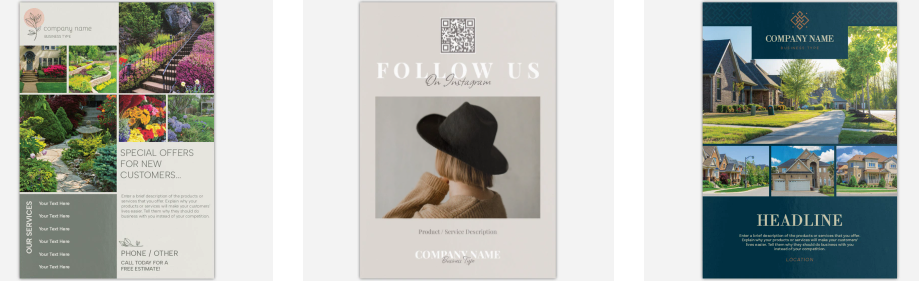
Vistaprint has long been associated with print-on-demand marketing materials. While it offers flyer templates, its main focus is on providing high-quality prints delivered to your location.
Pros
- Template library: Ready-made flyer templates with options to upload custom designs.
- Printing service: Comprehensive printing and delivery service.
- Custom sizes & finishes: Integration with other marketing materials, including business cards and posters.
- Integrated marketing: Custom sizes and finishes for flyers.
Vistaprint is ideal for those who prioritize professional printing and delivery over template variety. Its print quality is outstanding, but its design tools lag behind platforms like Design.com.
- PosterMyWall
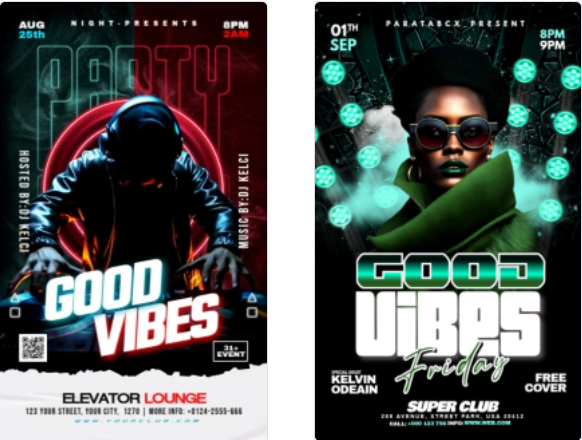
PosterMyWall specializes in flyers, posters, and social media graphics, making it a versatile choice for marketing needs. It features a wide variety of templates that can be customized and downloaded in print-ready formats.
Pros
- Template library: Thousands of flyer templates for events, promotions, and businesses.
- Custom editing: User-friendly editor with options to customize images and text.
- Print-ready downloads: High-resolution downloads suitable for printing.
- Free & paid plans: Affordable pricing with both free and paid plans.
PosterMyWall is excellent for speed and cost-effectiveness, especially for users who need promotional materials quickly. Its AI tools are less advanced than those of Design.com, but it remains a strong option for casual flyer design.
Summary
For professional print-ready flyers, Design.com is the best choice with its AI tools, large template library, print-ready outputs, and easy branding integration.
Starting with Design.com ensures your flyers look good, are print-ready, and match your brand identity. BrandCrowd offers a solid alternative with similar professional quality.